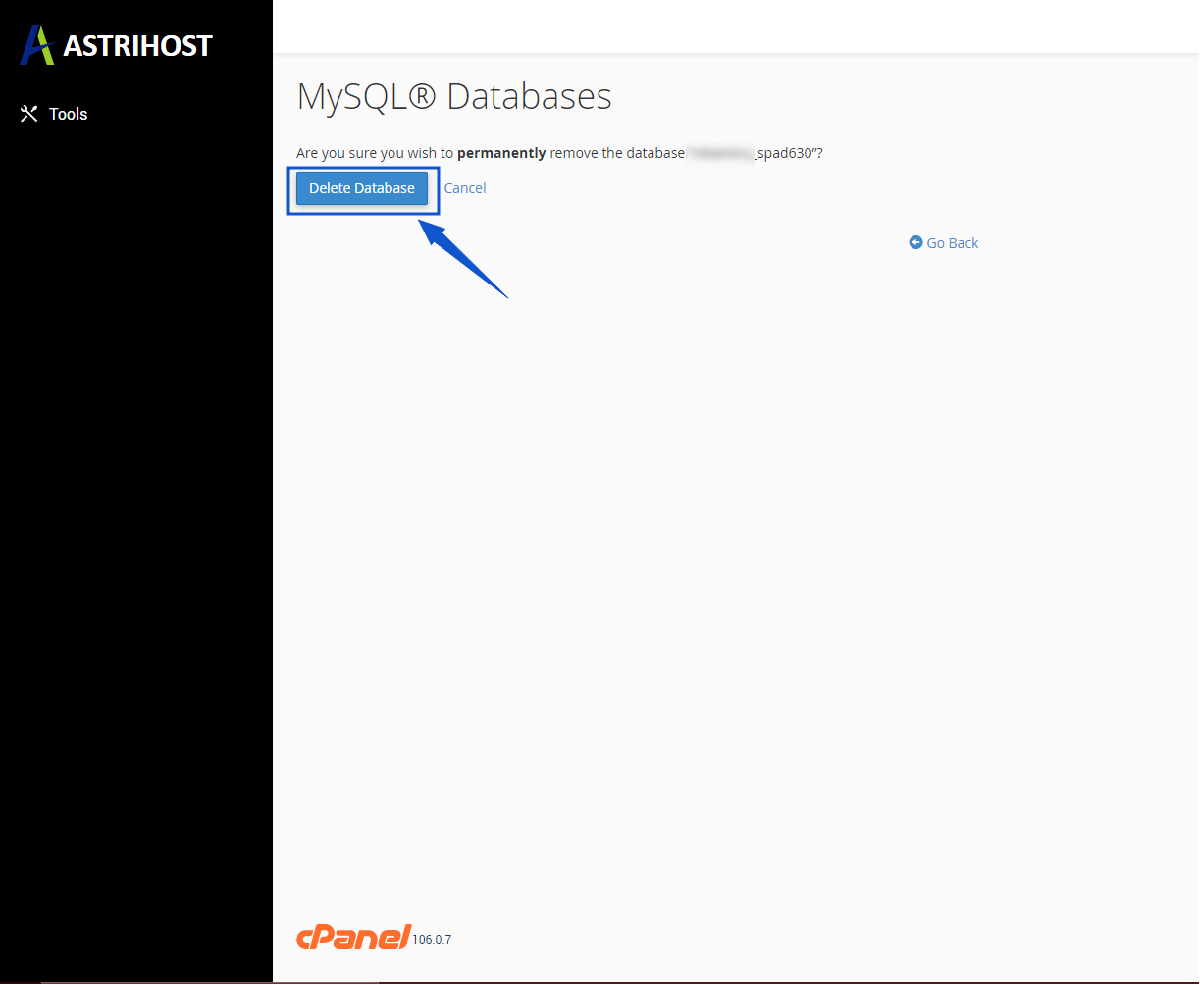
How to delete a database in cPanel?
- Log into your cPanel account.
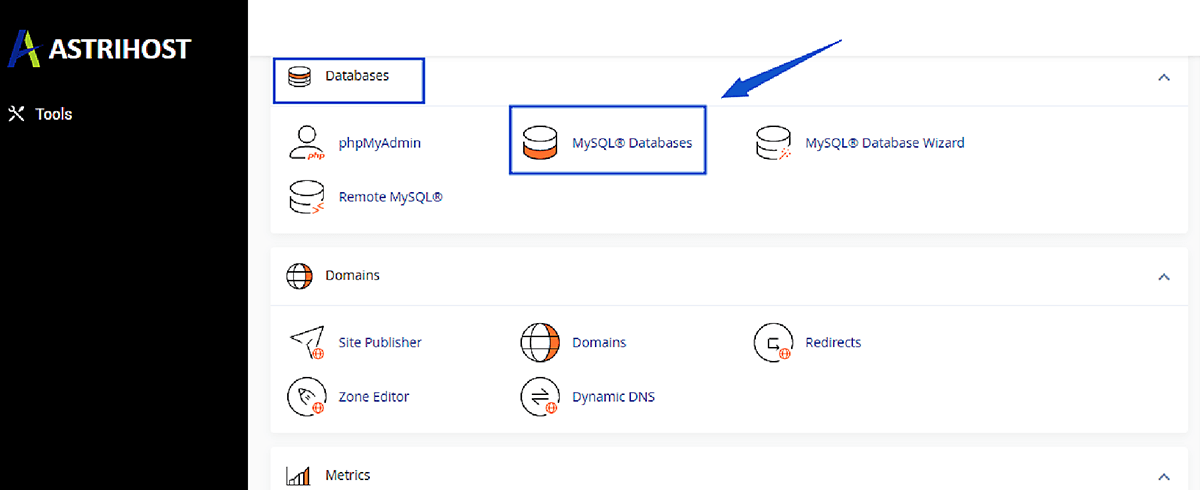
- Scroll down to the Databases section and click on the MySQL Databases Icon.
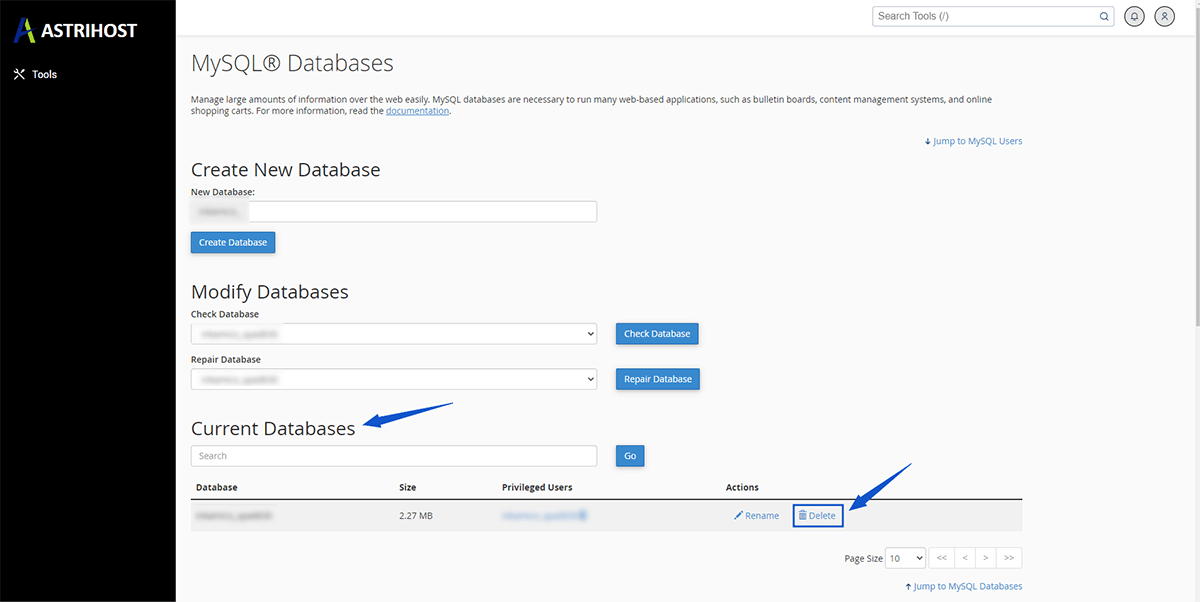
- In the Current Databases section, locate the Database you wish to remove and then click on the Delete icon.
Lastly, click on the Delete Database button.