How to create a database in cPanel?
- Log into your cPanel account.
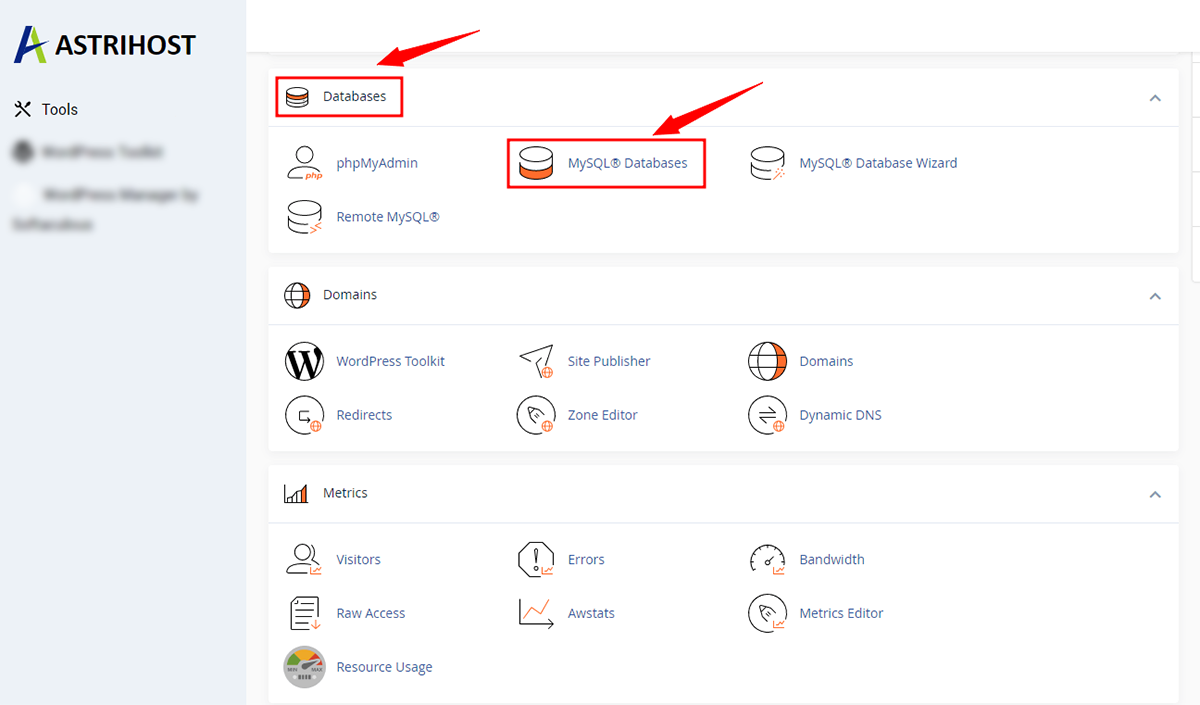
- In the Databases section, click on MySQL Databases
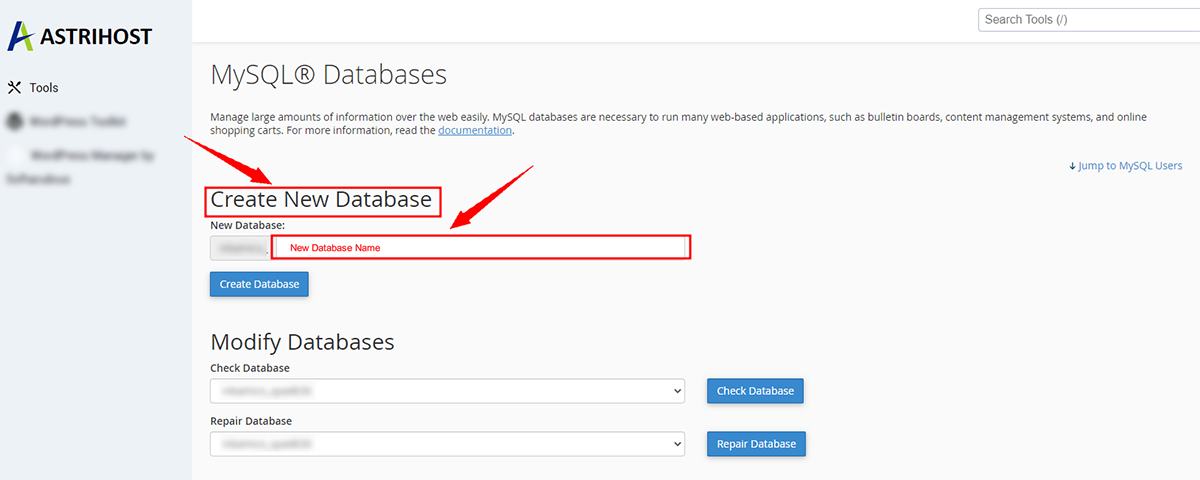
- Scroll to Create New Database: In the text field, enter a name for the new database you wish to create.
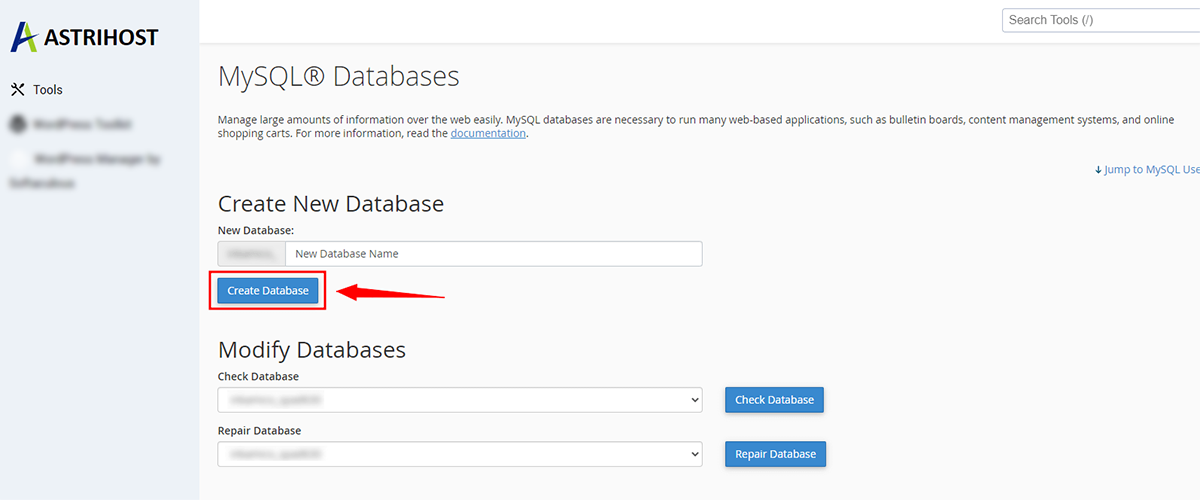
- Click on the Create Database
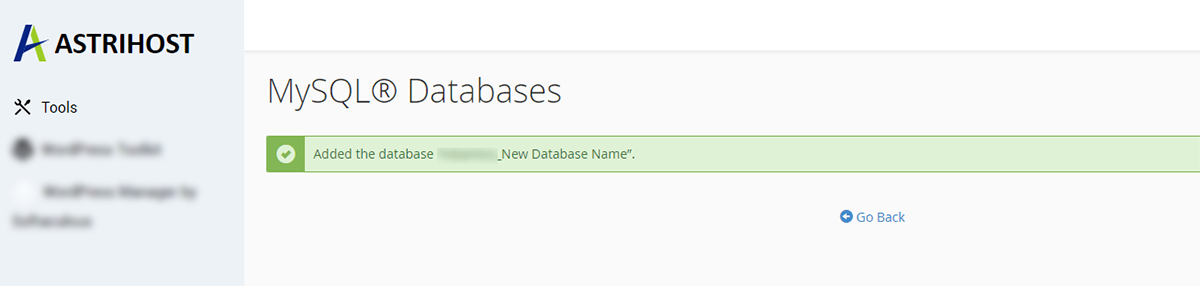
You will see a Success message once the database is created.